快速开始
Agent Chat UI provides a visualized way for developers to chat with any Spring AI Alibaba developed Agents.
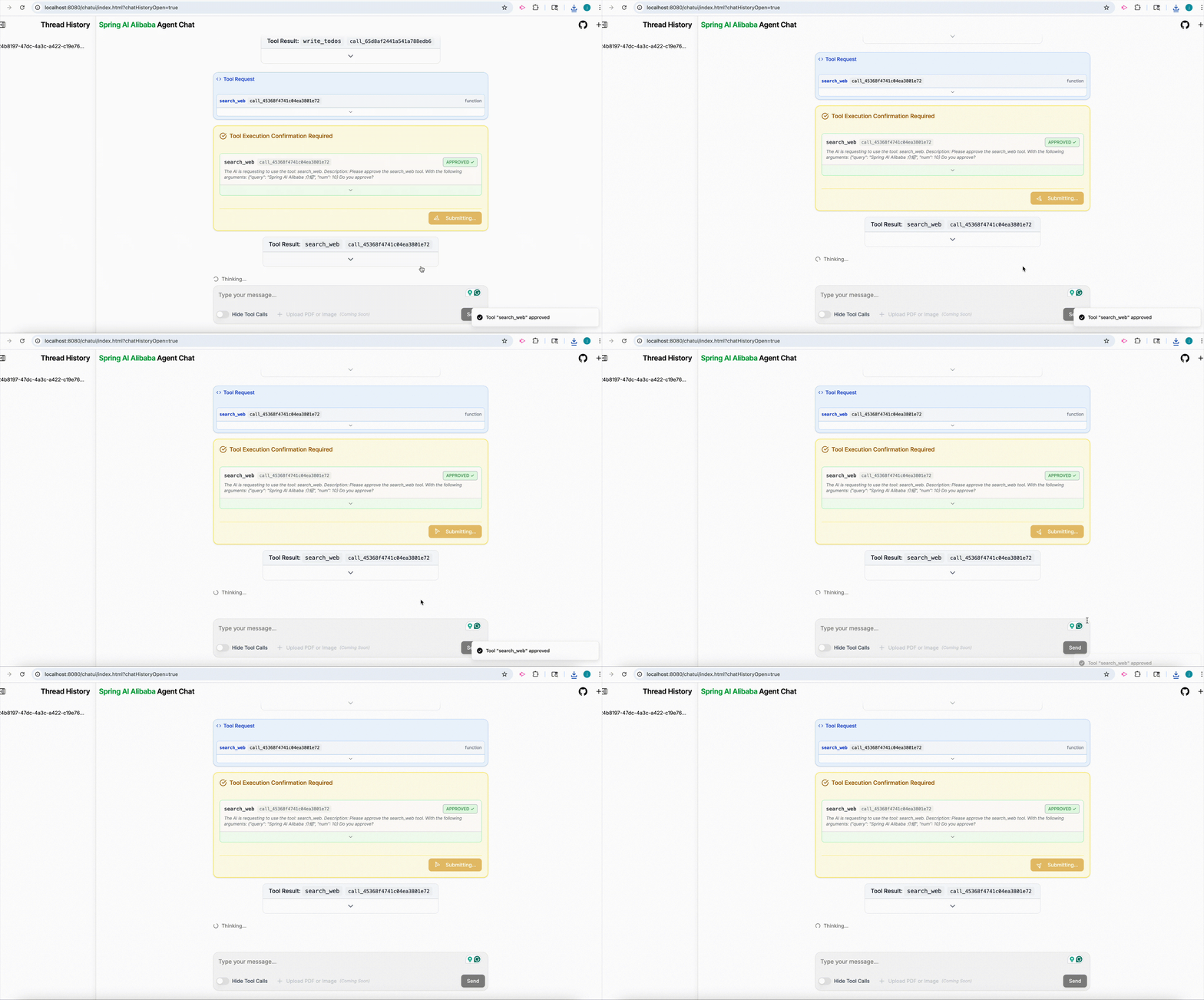
Quick Experience
- Down Example
git clone https://github.com/alibaba/spring-ai-alibaba.git

cd examples/deepresearch
- Start agent
export AI_DASHSCOPE_API_KEY=your_dashscope_api_key
export JINA_API_KEY=your_jina_api_key  # Optional

mvn spring-boot:run
- Chat with agent
Visit http://localhost:3000.
How Agent Chat UI Works
Embedded mode
The ui can work in a embedded mode with any of your Spring Boot applications.
Just add the following dependency to your agent project:
<dependency>
	<groupId>com.alibaba.cloud.ai</groupId>
	<artifactId>spring-ai-alibaba-studio</artifactId>
	<version>1.1.2.0</version>
</dependency>
Run your agent, visit http:localhost:{your-port}/chatui/index.html, and now you can chat with you agent.
Standalone mode
First, clone the repository,
git clone https://github.com/alibaba/spring-ai-alibaba.git

cd spring-ai-alibaba/spring-ai-alibaba-studio/agent-chat-ui
Install dependencies:
pnpm install
# or
# npm install
Run the app:
pnpm dev
# or
# npm run dev
The app will be available at http://localhost:3000.
By default, the UI connects to your backend Agent at http://localhost:8080, you can change the address at .env.development file.
# .env.development
NEXT_PUBLIC_API_URL=http://localhost:8080
# The agent to call in the backend application, backend application should register agent as required, check examples for how to configure.
NEXT_PUBLIC_APP_NAME=research_agent
NEXT_PUBLIC_USER_ID=user-001